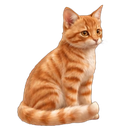
 My Desktop Cat
A living cat on your desktop
A living ginger cat on your Windows desktop: she strolls, sleeps in her bed, washes, plays with a laser pointer and eats from her bowl — and when the bowl is empty, she sits beside it and asks you for food. Every cat has her own character; she remembers her favourite places and your routine. Never in the way of your work, and sends nothing to the internet.
Get it from Microsoft StoreFree · Windows 10 and 11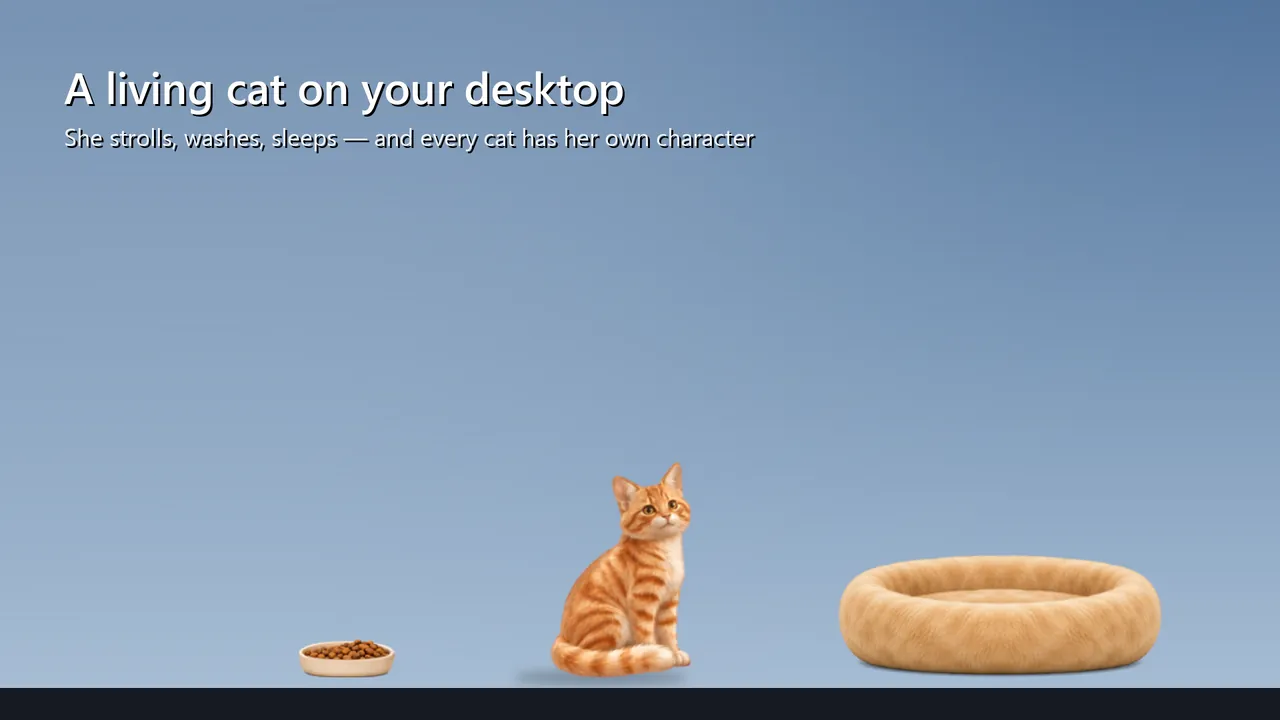
What she does
- A living ginger cat strolls along the bottom of your screen, sits, washes, yawns and sleeps
- A realistic cat, not a cartoon character
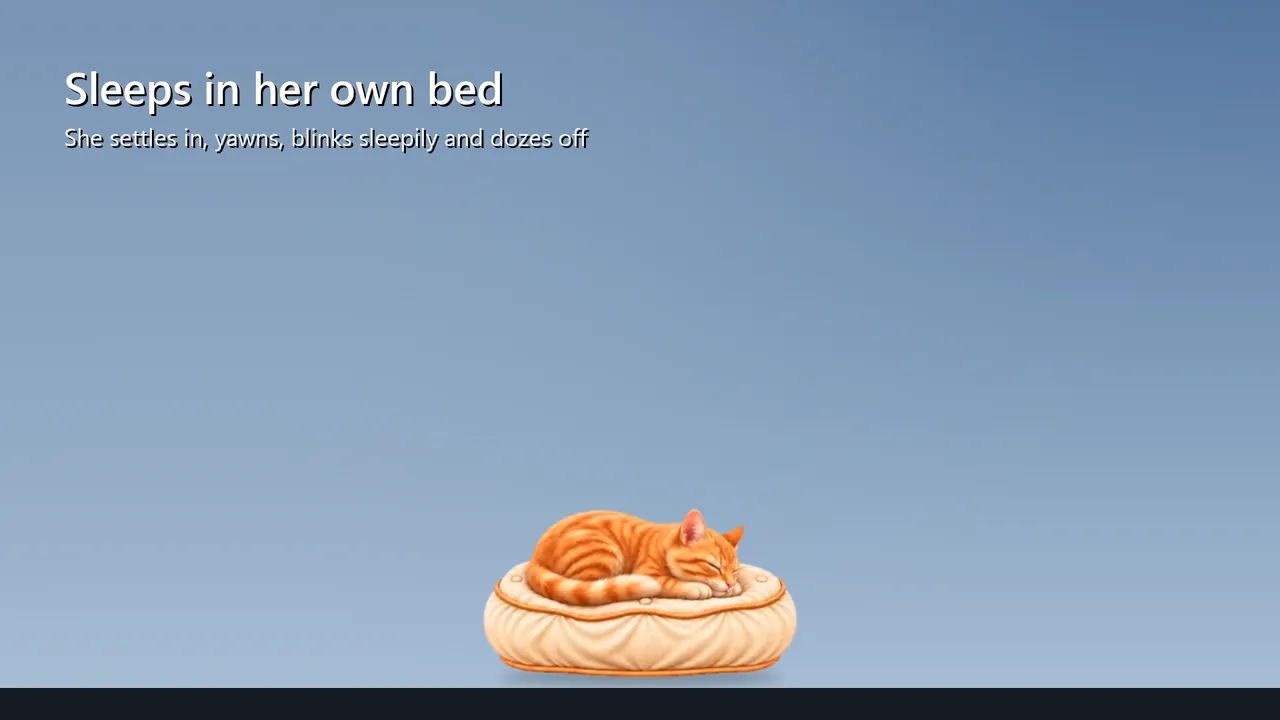
- Her own bed — round or a cushion: she settles in, blinks sleepily, yawns and falls asleep
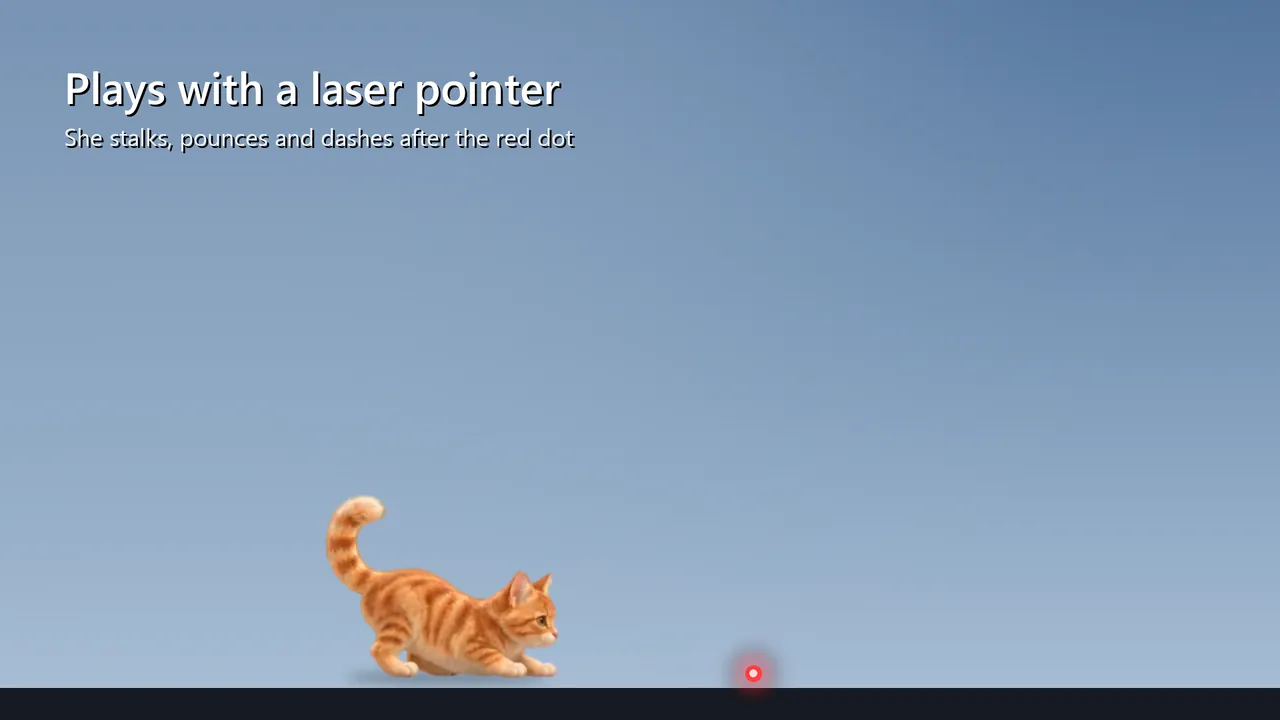
- Laser pointer: she stalks, pounces and dashes after the red dot
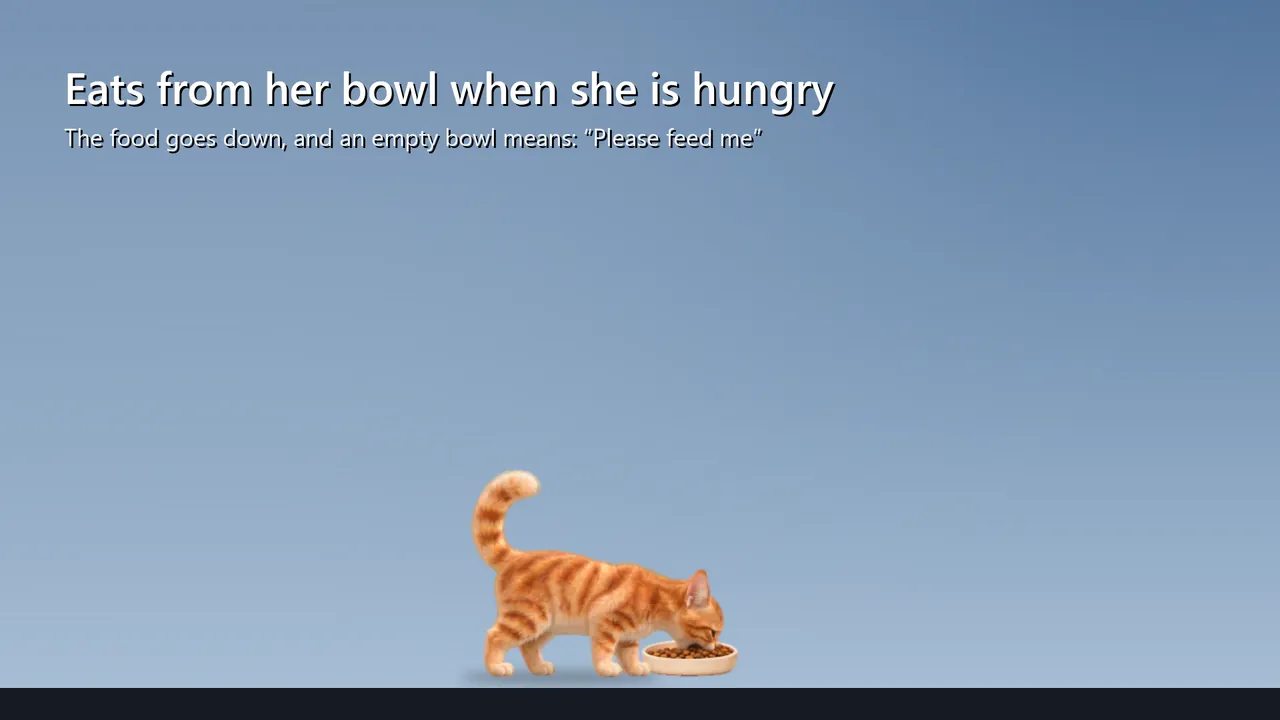
- A food bowl: she eats on her own and the food goes down; an empty bowl and she asks you for food
- Every cat has her own character, which changes with your care
- Choose her activity: a calm, usual or active cat
- She remembers her favourite places and meets you when you come back
- A diary of her thoughts: the real reasons for what she does
- Pick her up with the mouse and carry her, or pet her with the cursor
- She leaps over to the next monitor
- Never takes the keyboard focus
- Click-through mode, quiet mode, hide with one click
- Light on the processor and memory
- Does not read your screen or keyboard; sends nothing to the internet
- Starts with Windows if you want — one checkbox
- In English, Russian and 15 more languages
Free and Pro
Free. Pro is a one-time purchase, no subscription, with a free trial week: the laser pointer without limits (without Pro, 5 minutes a day), the active mode, the cushion and everything new.
System requirements
Windows 10 version 1809 or later, 64-bit. A mouse. No internet connection needed.